How to stream GTA 6 from PS5 and Xbox: three methods and pitfalls
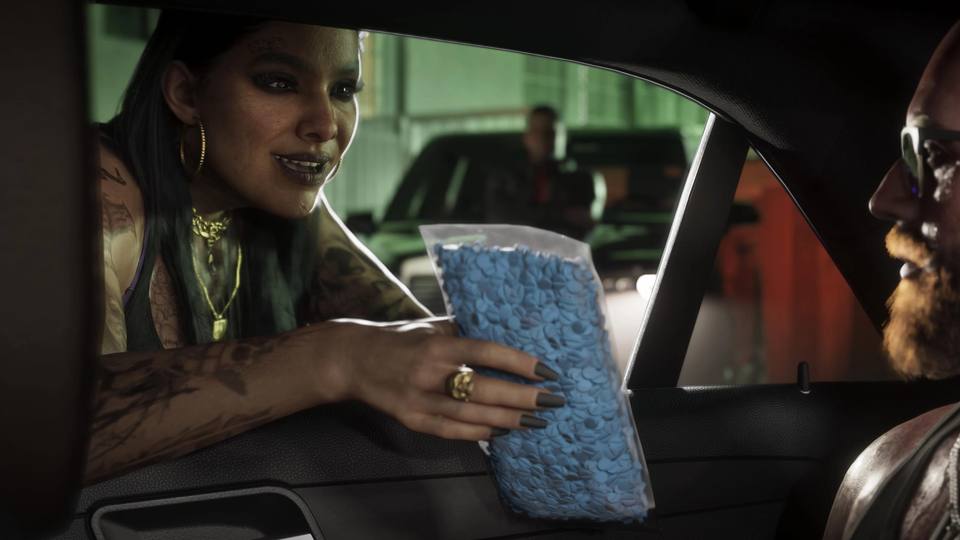
There is no PC version, so a computer can only be used to broadcast the console's picture.
Built-in streaming
PS5 broadcasts directly to YouTube or Twitch, and Xbox mainly to Twitch. It's the fastest method but has few options, and on Xbox only one platform works.
Remote Play and OBS
The picture goes from the console to the computer over your home network, and OBS broadcasts it. It needs stable Wi-Fi or a cable.
HDMI capture card
The most reliable method. On PS5 you have to turn off HDCP protection.
Pitfalls
A first YouTube stream can wait up to 24 hours, and the channel must be verified. During menu transitions viewers will see a blank screen. Music from the in-game radio can trigger copyright claims. It's better to make titles and thumbnails without spoilers.
Release-week data, unofficial, written in my own words. May change after patches and new Rockstar announcements.
Frequently asked questions
Is GTA 6 on PC?
No, only on consoles.
What about music in the stream?
It can trigger copyright claims.