chiaki-ng and Lossless Scaling: smoother GTA 6 from PS5 on PC
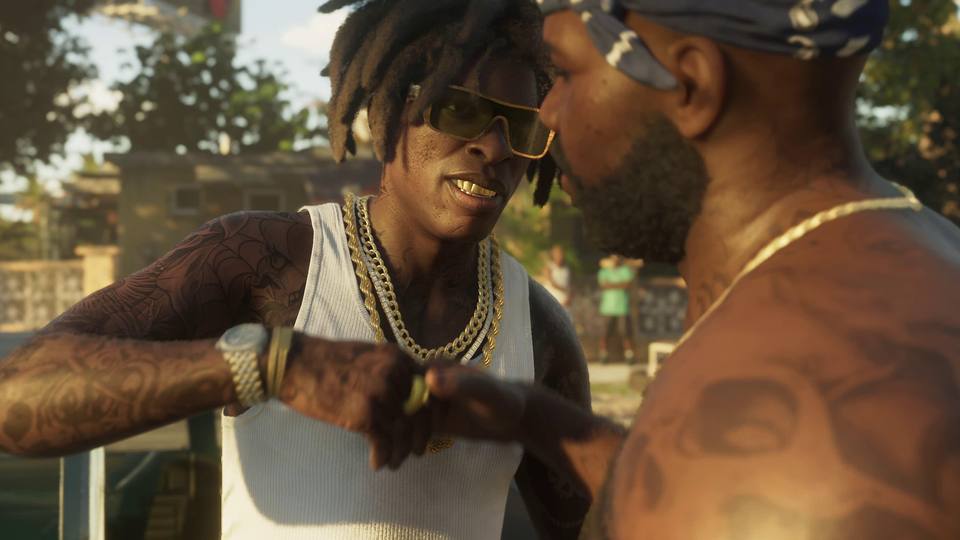
Chiaki-ng is a free Remote Play client, and Lossless Scaling (paid) adds frames.
Setup
On the PS5, enable Remote Play and the options to stay connected to the network and wake the console remotely. In chiaki-ng, register the console by entering the 8-digit code from the PS5 and your PSN Account ID. Set 1080p, 60 fps, the H.265 codec and a bitrate starting at 15,000, raised gradually. In Lossless Scaling choose LSFG 3, Fixed mode and a x2 multiplier.
Drawbacks
Controls still respond as at 30 fps, the stream is 1080p at most, during explosions the console drops to 23-24 fps, which makes the generated frames stutter, and the HUD can blur during fast camera turns. The project is not supported by Sony.
Release-week data, unofficial, written in our own words. It may change after patches and Rockstar announcements.
Frequently asked questions
How much is Lossless Scaling?
About 27 PLN on Steam.
What stream resolution?
1080p at most.