Auto-aim in GTA 6: Partial, Lock-On and Free Aim
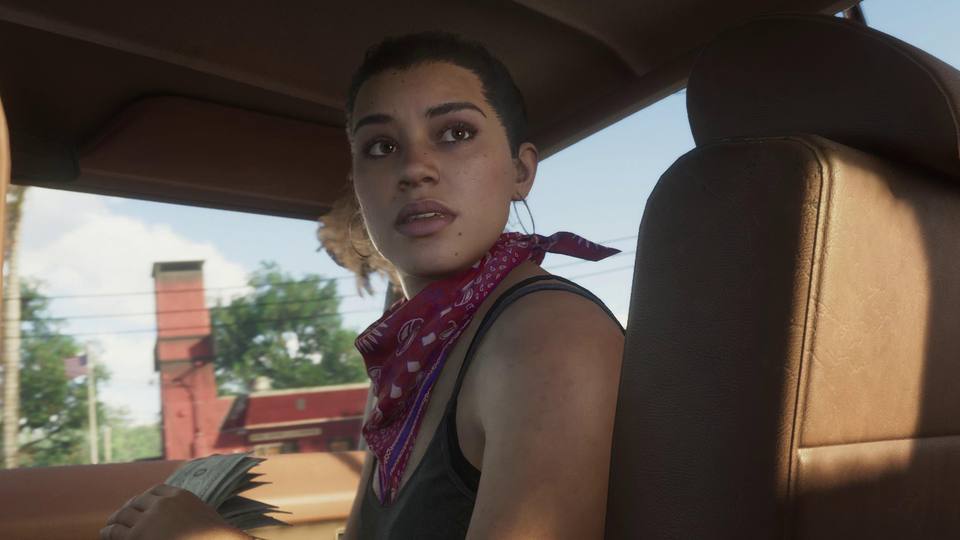
By default the game uses Partial mode.
Where to set it
Settings, Gameplay, the Combat section, the Targeting row with three options.
Modes
Partial nudges the reticle slightly towards the target, but you stay in control. Lock-On tries to take over and mark a target, and the Lock-On Time option sets the time after which full control returns. Free Aim turns off target capture.
Sliders and PS5
Aim Assist Strength affects how much the reticle slows on a target, and Shooting Assist helps track close targets. On PS5 you can set Aiming in Accessibility to a single press instead of holding L2. Focus mode has a separate binding. If the reticle pulls but doesn't stick, switch to Lock-On.
Release-week data, unofficial. Buttons and names may change after updates.
Frequently asked questions
What is the default mode?
Partial.